
ATIFlash / ATI WinFlash 2.8.4 – A program for flashing the BIOS of video cards based on AMD (ATI) Radeon chips for Windows. The archive includes the ATIFlash version for the Windows command line and ATI WinFlash with a graphical user interface. We recommend using the command line version.
A new version – ATIFlash / ATI WinFlash 2.9.3
In 2013, ATI WinFlash 2.6.6 released a version of the utility (console, which does not know how to work in DOS, only for Windows) with the same name and version number, which continues the chronology of versions of the ATI WinFlash utility.
In 2015, starting with version 2.7.1, a single distribution package containing ATI WinFlash with a graphical user interface and ATIFlash for the Windows command line was renamed by the developer into ATIFlash. At the same time, the console version of ATIFlash is based on the achievements of ATI WinFlash and is a further development of the latter. Despite the fact that ATIFlash and ATI WinFlash, contained in the same archive, have the same change date, the developer recommends using the command-line version of the program.
- ATIFlash & ATI WinFlash: https://www.techpowerup.com/download/ati-atiflash/
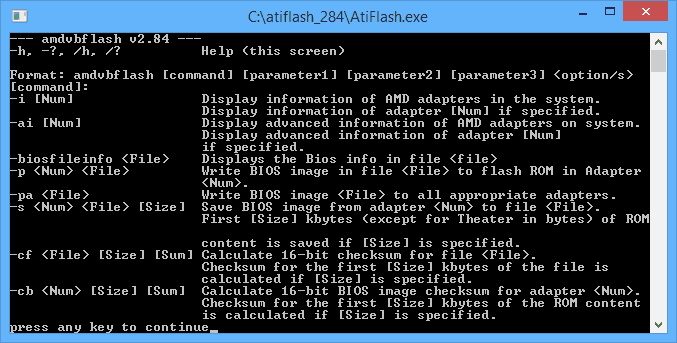
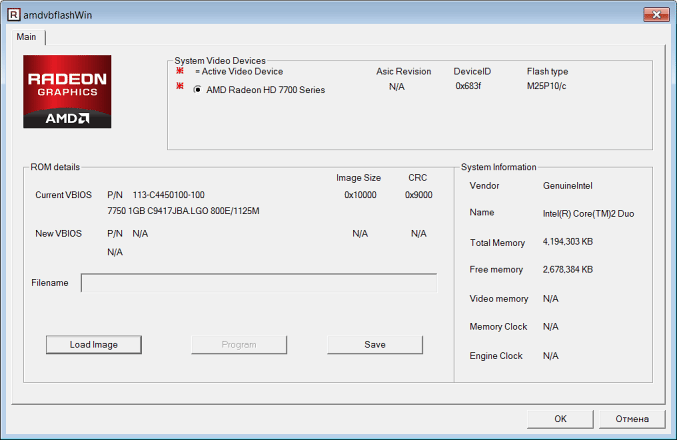
Be the first to know the news, read more about cryptocurrencies and mining on CRAZY-MINING.ORG. You enjoy reading articles like this and want to support me as an author, then subscribe to our Telegram channel
Recommended Related Articles:
- SRBPolaris V3.5 – Program for editing BIOS on AMD RX4XX and RX5XX cards
- Polaris Bios Editor v1.7.2 (BIOS editor)
- [NoDevFee] How to disable DevFee (commission) in the miner
- AMD / ATI Pixel Clock v1.4.7 (Atikmdag Patcher)
- AMD Memory Tweak XL (AMD GPU VRAM Performance Improvement)
- OverdriveNTool – tool for AMD [Download]
- WattTool v0.92: A Simple Tool to Overclock and Configure VRM for the RX 400
- AMD Memory Tweak Tool for Linux and Windows
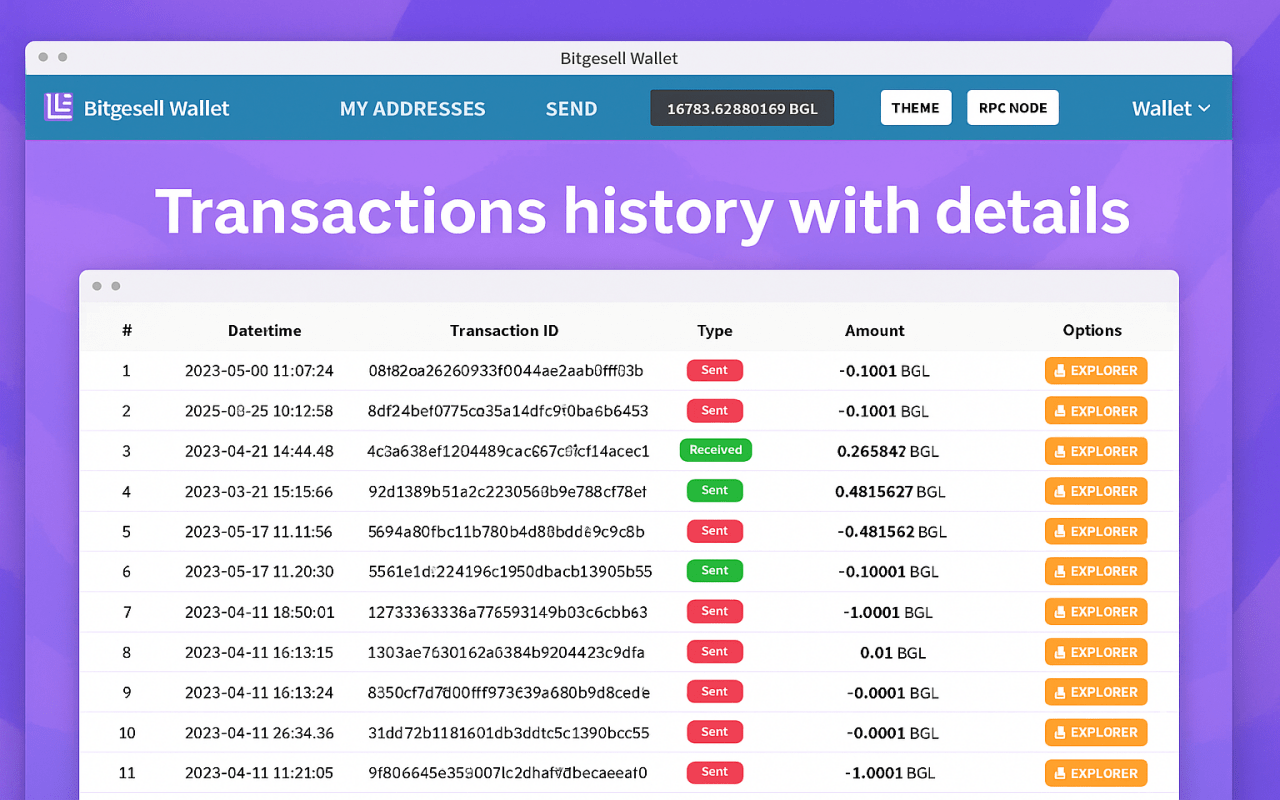
Bitgesell Wallet: Download, Install, and Use the BGL Wallet
A comprehensive guide to BGL Wallet (Bitgesell): how to download, install, set up, and use the wallet. A review of its features and the best alternatives.
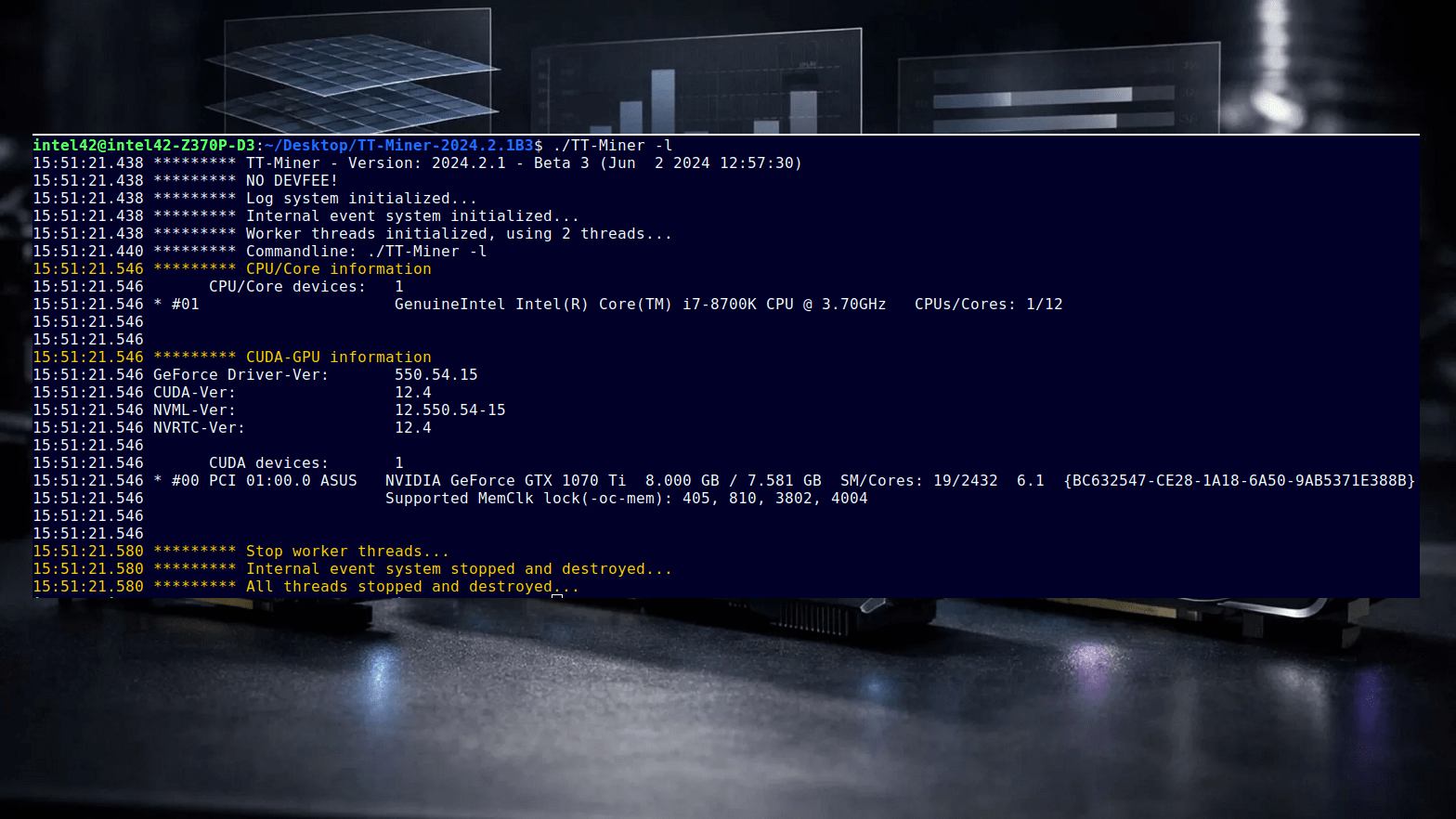
TT-Miner 2024.3.1: How to Download, Install, and Configure the Miner on Windows
A complete step-by-step guide to downloading, installing, and configuring the TT-Miner GPU miner on Windows. We cover system requirements, algorithms, and features in detail, along with practical tips for efficient mining. NVIDIA (and some AMD) support, a 1% developer fee, and updates are included.

MultiDoge Wallet: How to Download, Install, and Use a Dogecoin Wallet on Windows
We’ll explore MultiDoge Wallet: where to download it safely, how to install it on Windows, set up syncing, create an address, back up, and send DOGE. Plus security tips and transferring to other wallets.
Read more:
 ATI Flash & AMD WinFlash v2.8.7: Download BIOS Flashing Tool for AMD GPUs ATIFlash & AMD VBFlash v2.93: Download Software for flashing BIOS GPU
  OverdriveNTool v0.2.9: Download AMD GPUs timing tool for Windows
  Phoenix BIOS Editor. download and install for Windows
  AMD Memory Tweak Tool XL: Download the VRAM performance tool for Windows
  Polaris Bios Editor v1.7.6: Download and Config PBE for Windows
  AMD Memory Tweak Tool (GDDR5/HBM/HBM2 Based GPU’s): Download for WIN/LINUX
  TeamRedMiner 0.7.5 Download AMD GPU miner for Windows/Linux


crazy-mining.org is full of interesting informations, bookmarked!